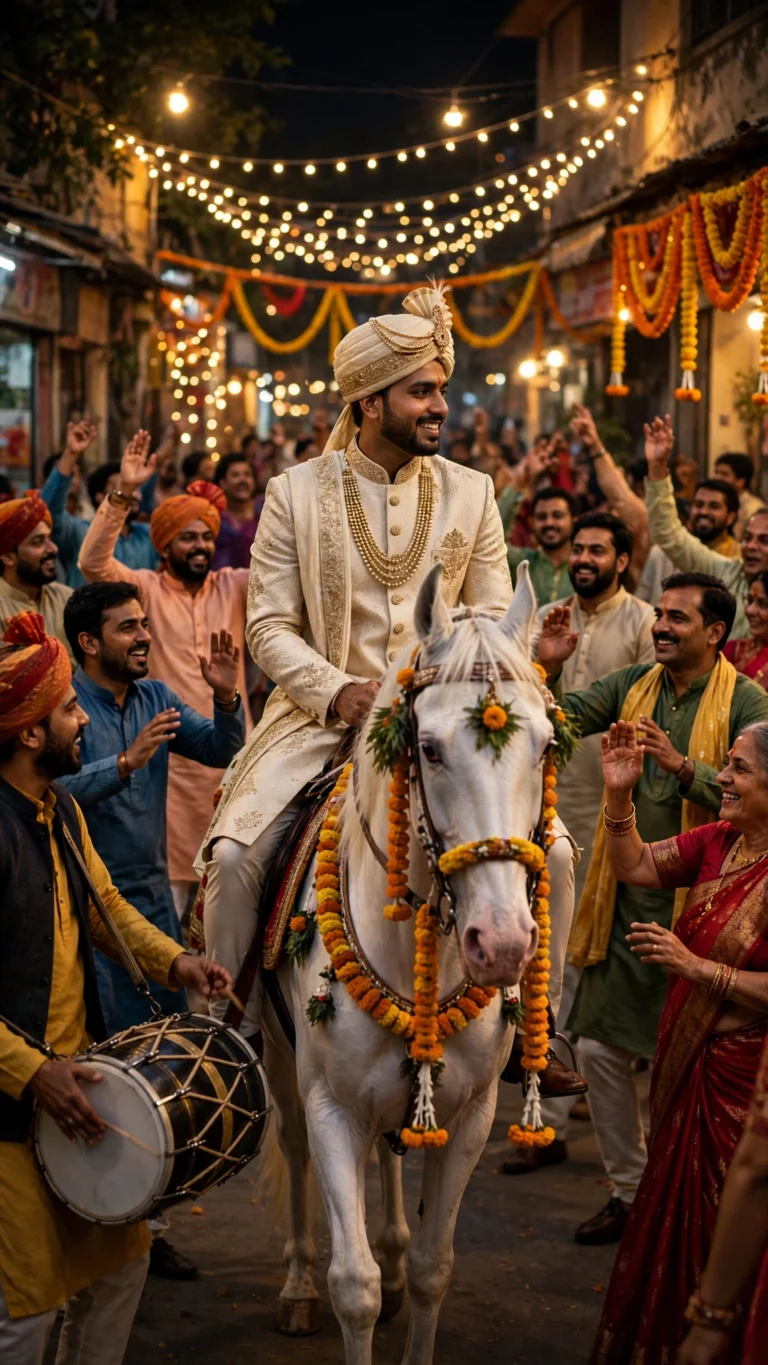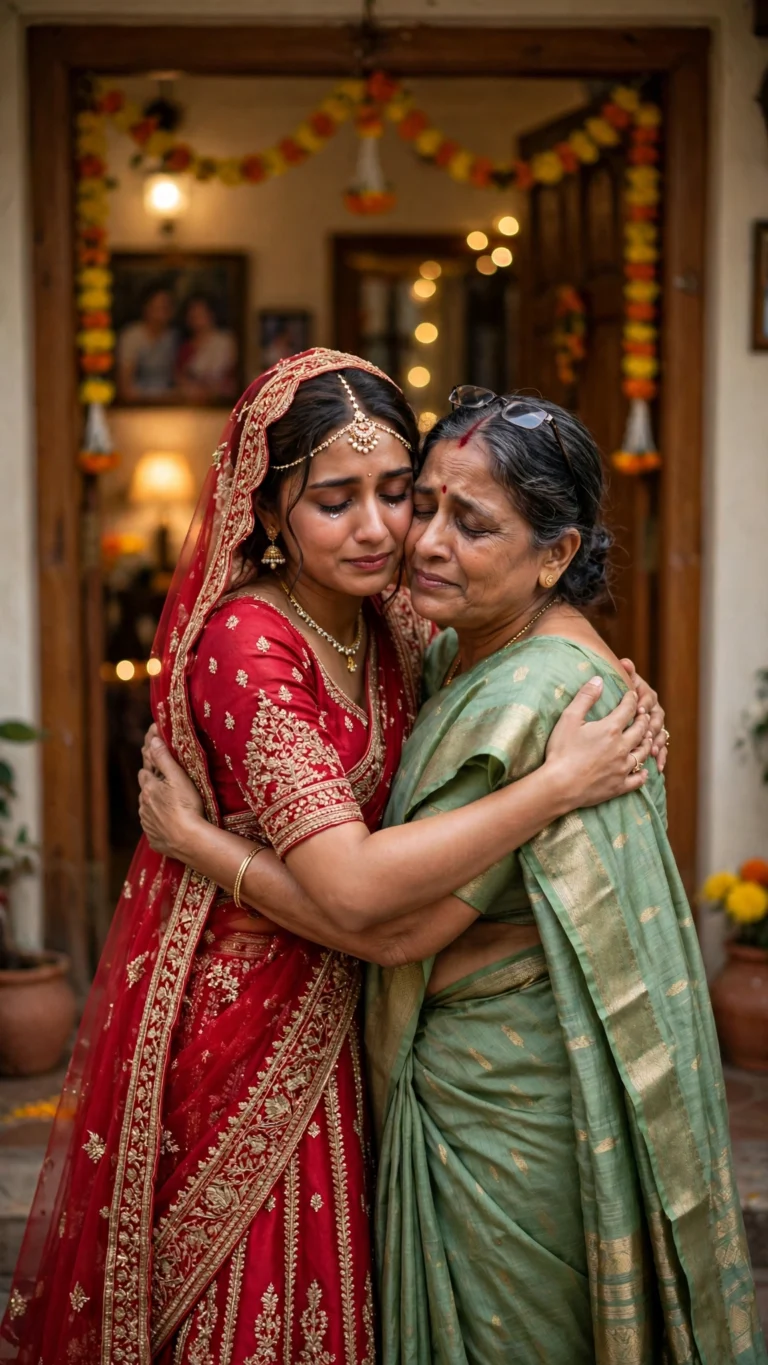
Reception AI Photo Editing Prompts 2026: 7 Copy-Paste Gemini & ChatGPT Prompts
For me, the reception is the evening when a wedding finally slows down enough to enjoy it. The rituals are done, the pheras and the vidaai are behind you, and now everyone is dressed in their best, the stage is lit, and the couple just gets to be together while family and friends celebrate around them. In Indian weddings the reception usually happens on the evening of the wedding day or the day after, and it is the part of the celebration most people actually photograph — the stage portraits, the grand entry, the first dance as a married couple.
In this article, you will get 7 ready-to-use Reception AI photo editing prompts for couples, brides, grooms and families. Just upload your photo, copy one prompt, and paste it into Gemini or ChatGPT. Every prompt keeps your face recognizable and focuses on realistic stage light, real outfits, and natural celebration — not a cartoon filter.
These prompts are for personal photos of yourself, your partner, your family, and your friends. Do not upload anyone else’s photo without their permission, and do not use these prompts to create a photo that pretends to be a real event you did not attend. An AI-edited photo is a fun way to celebrate your reception, but it is not a replacement for the real evening on stage.
Quick Pick: Which Reception Prompt Should You Use?
| Prompt | Best for | Mood |
|---|---|---|
| 1. Reception Stage Portrait | Couple, stage photos | Grand, elegant |
| 2. Reception Grand Entry Portrait | Couple, entry photos | Dramatic, joyful |
| 3. Reception Bride Solo Portrait | Bride, solo posts | Graceful, radiant |
| 4. Reception Groom Solo Portrait | Groom, solo posts | Sharp, confident |
| 5. Reception Couple Dance Portrait | Couple, dance posts | Romantic, lively |
| 6. Reception Candid Celebration Portrait | Family, group posts | Warm, together |
| 7. Reception Night Glamour Portrait | Couple, night posts | Glowing, glamorous |
How to Use These Prompts
- Open Gemini or ChatGPT and upload a clear photo of yourself, with your face well lit and facing the camera.
- Copy one prompt below in full, including the line about preserving your face.
- Paste it with your photo and let the AI generate the edit.
- If a result changes your face too much, run the same prompt again with a different photo, or add “keep my face exactly as in the uploaded photo” at the end.
- Do not upload anyone else’s photo without their permission, and do not use these prompts to create a photo that pretends to be a real gathering you did not attend.
For the best results, start with a photo taken in daylight, without sunglasses or a heavy filter. AI tools copy what they can see clearly, so a sharp, front-facing photo gives you a much more natural result than a dark or blurry one.
7 Reception AI Photo Editing Prompts
1. Reception Stage Portrait
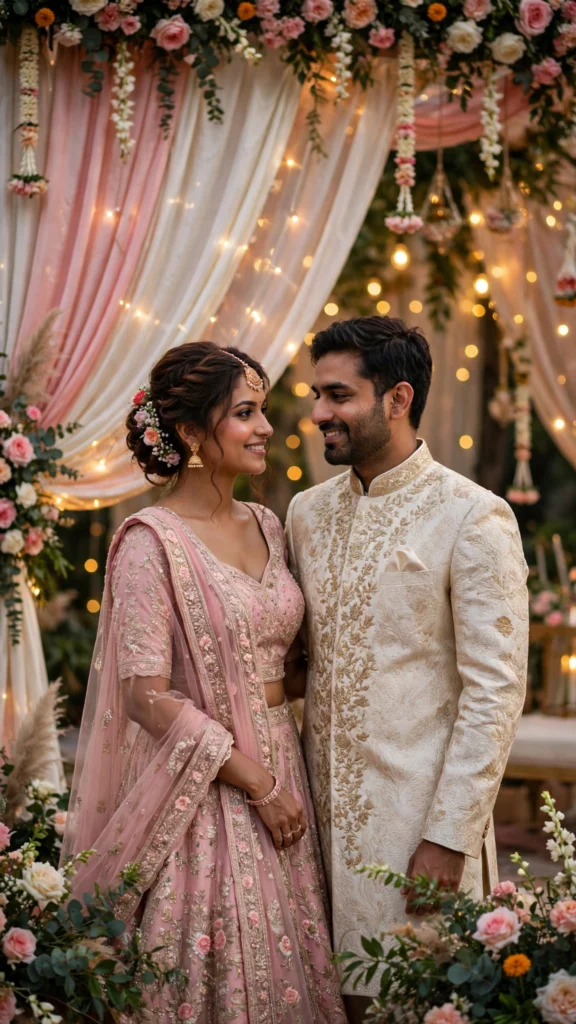
The classic reception photo: the couple together on the decorated stage, with flowers, fairy lights and soft golden light behind them.
AI Prompt:
Edit our uploaded couple photo into a realistic Indian wedding reception stage portrait. Preserve both faces, facial features, natural skin tones, and identities exactly, without merging faces. Place us together on a beautifully decorated reception stage with fresh flowers, draped fabric and warm fairy lights behind us, dressed in elegant reception outfits, standing close and smiling warmly at the camera. Use soft golden stage light, realistic fabric and flower texture, natural skin texture, and a vertical 9:16 composition. Make it look like a candid professional wedding photograph, not an illustration. No text, no logo, no watermark.
Best for: Reception stage photos, couple DPs, and wedding album portraits.
Customize it: Keep the stage decor slightly behind you rather than crowded around your faces, so the lights frame you instead of covering you.
2. Reception Grand Entry Portrait

The moment everyone turns to look: the couple walking in together, hand in hand, as the reception hall erupts.
AI Prompt:
Edit our uploaded couple photo into a realistic Indian wedding reception grand entry portrait. Preserve both faces, facial features, skin tones, and identities exactly, without merging faces. Place us walking into a grand reception hall together hand in hand, dressed in stunning reception outfits, smiling joyfully, with warm golden lights, floral decor and guests applauding softly in the background. Use warm hall lighting, realistic fabric movement and skin texture, a natural walking pose, and a vertical 9:16 composition. Make it look like a candid professional wedding photograph, not an illustration. No text, no logo, no watermark.
Best for: Grand entry posts, dramatic couple photos, and reception reels.
Customize it: A walking pose is hard for AI tools to render perfectly, so check the arms, hands and feet closely before posting, and regenerate if anything looks unnatural.
3. Reception Bride Solo Portrait

A graceful solo portrait of the bride in her reception outfit — lehenga or gown, jewellery glowing, and the stage lights soft behind her.
AI Prompt:
Edit my uploaded photo into a realistic Indian wedding reception bride solo portrait. Preserve my actual face, facial features, skin tone, and identity exactly. Dress me in an elegant reception lehenga or gown in a rich festive colour with delicate jewellery, and place me on a softly lit reception stage with warm fairy lights and floral decor behind me, smiling gently at the camera. Use soft golden light, realistic fabric, jewellery and skin texture, and a vertical 9:16 composition. Make it look like a candid professional wedding photograph, not an illustration. No text, no logo, no watermark.
Best for: Bride DPs, solo reception posts, and elegant profile pictures.
Customize it: Pick an outfit colour that suits you in real life — deep red, royal blue, or soft pastel all photograph well against warm stage light.
4. Reception Groom Solo Portrait
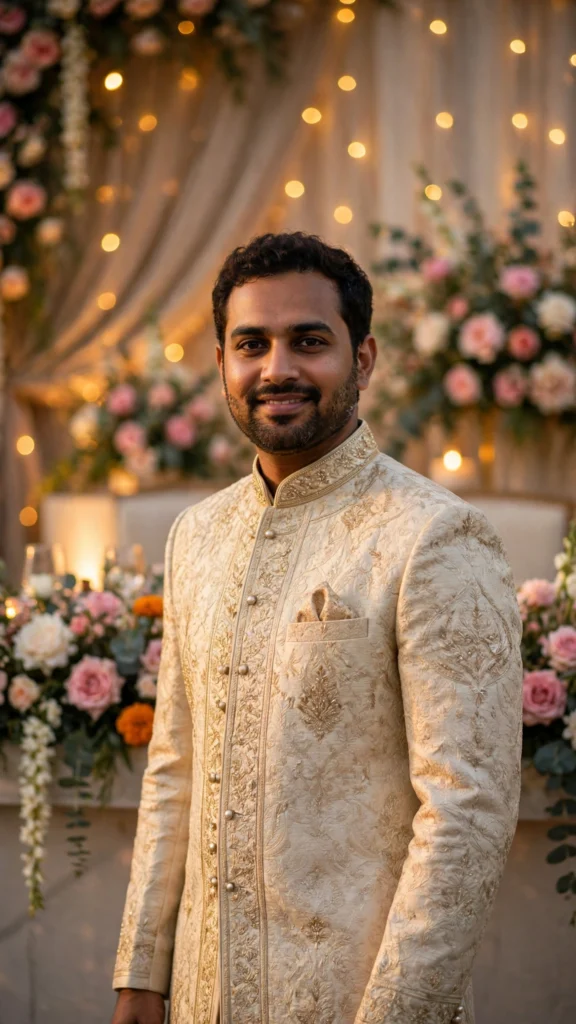
A sharp, confident solo portrait of the groom in his reception sherwani or suit, standing tall under the warm lights.
AI Prompt:
Edit my uploaded photo into a realistic Indian wedding reception groom solo portrait. Preserve my actual face, facial features, skin tone, and identity exactly. Dress me in a sharp reception sherwani or formal suit, and place me standing confidently on a softly lit reception stage with warm fairy lights and floral decor behind me, smiling naturally at the camera. Use warm golden light, realistic fabric and skin texture, and a vertical 9:16 composition. Make it look like a candid professional wedding photograph, not an illustration. No text, no logo, no watermark.
Best for: Groom DPs, solo reception posts, and confident profile pictures.
Customize it: Keep the pose simple and natural — a relaxed stance photographs far better than a stiff one, and AI tools render it more reliably too.
5. Reception Couple Dance Portrait
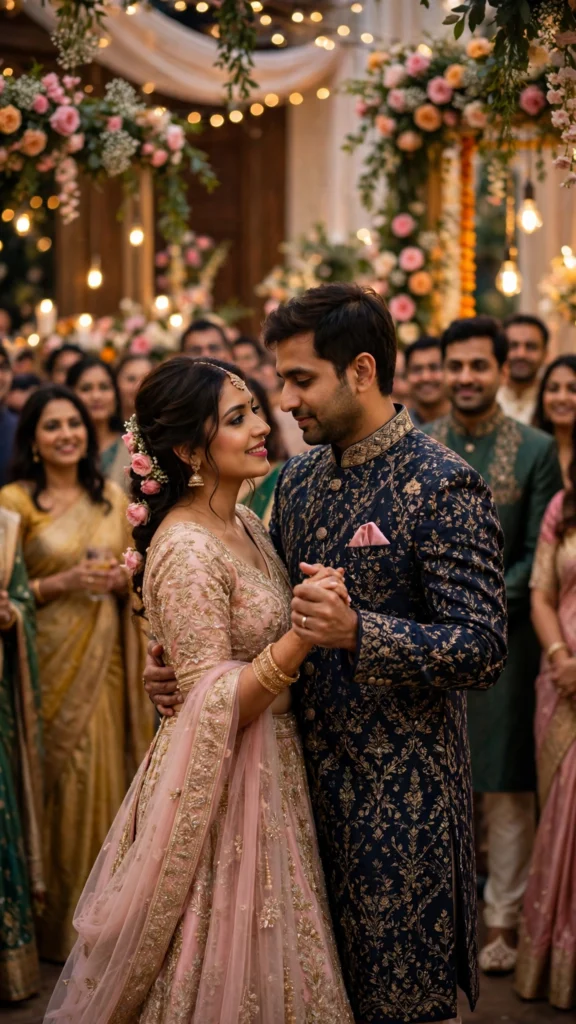
The first dance as a married couple — slow, close, and romantic, with the lights low and the hall watching.
AI Prompt:
Edit our uploaded couple photo into a realistic Indian wedding reception couple dance portrait. Preserve both faces, facial features, natural skin tones, and identities exactly, without merging faces. Place us dancing slowly together at our reception, dressed in elegant reception outfits, holding each other close and smiling softly, with warm golden lights, floral decor and guests watching warmly in the background. Use soft warm light, realistic fabric movement and skin texture, a natural dancing pose, and a vertical 9:16 composition. Make it look like a candid professional wedding photograph, not an illustration. No text, no logo, no watermark.
Best for: First dance posts, romantic couple photos, and reception reels.
Customize it: Dancing poses are hard for AI tools to render perfectly, so check the arms, hands and feet closely before posting, and regenerate if anything looks unnatural.
6. Reception Candid Celebration Portrait
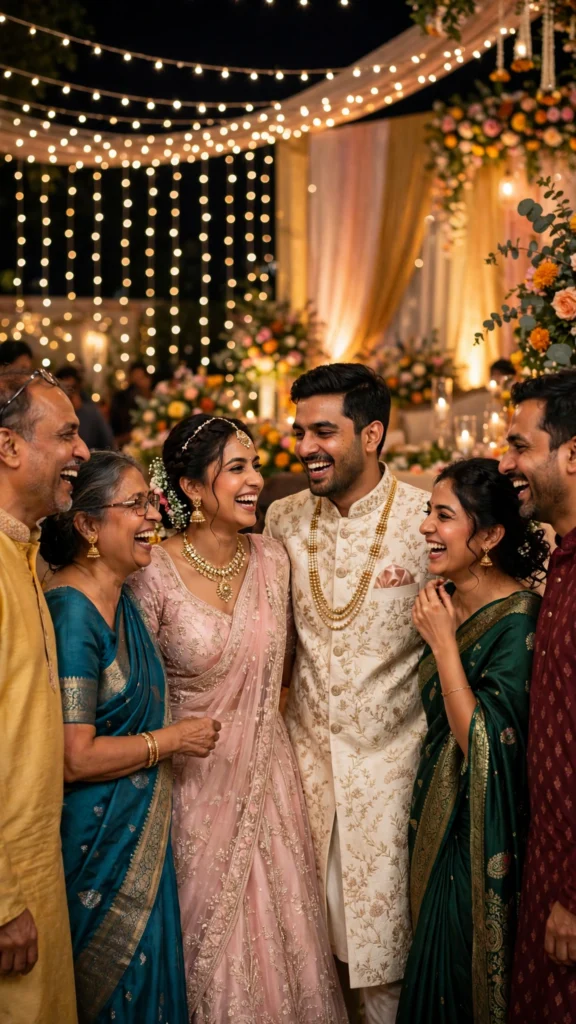
The photo that sums up the whole evening: family and friends together, laughing, with the couple at the centre of it all.
AI Prompt:
Edit our uploaded family photo into a realistic Indian wedding reception candid celebration portrait. Preserve every face, facial feature, natural skin tone, and identity exactly, without merging faces. Place everyone together at a lively reception celebration, dressed in festive outfits, laughing and smiling naturally around the couple, with warm fairy lights, floral decor and the glow of the stage behind them. Use warm evening light, realistic skin texture, natural poses, and a vertical 9:16 composition. Make it look like a candid wedding photograph, not an illustration. No text, no logo, no watermark.
Best for: Family posts, group DPs, and warm celebration photos.
Customize it: Use a family photo where every face is clearly visible; the AI needs each face to keep them distinct.
7. Reception Night Glamour Portrait
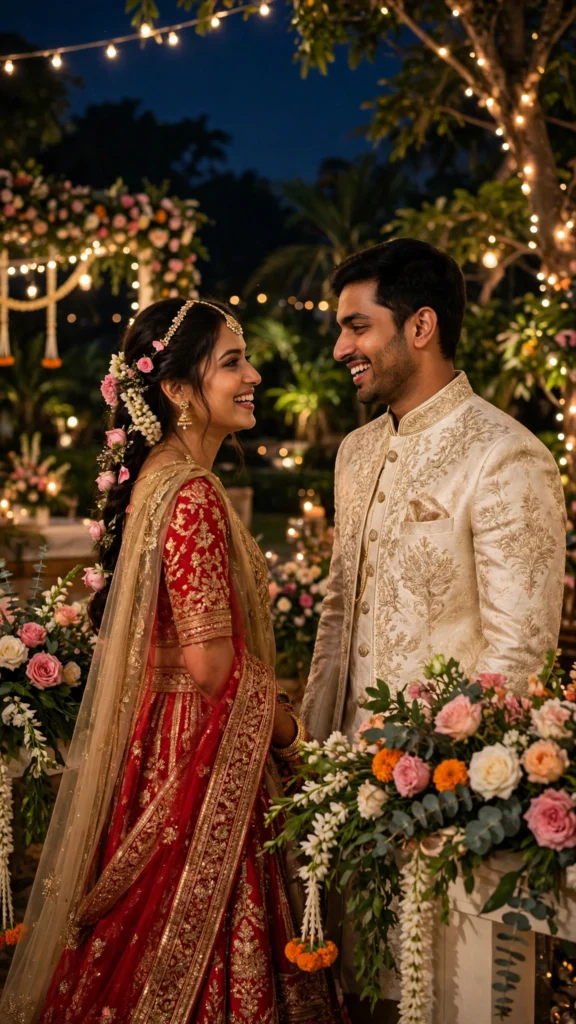
A glowing night photo of the couple under the reception lights — the stage, the flowers, the sparkle, and the evening sky above.
AI Prompt:
Edit our uploaded couple photo into a realistic Indian wedding reception night glamour portrait. Preserve both faces, facial features, natural skin tones, and identities exactly, without merging faces. Place us together at a glamorous night reception outdoors, dressed in elegant reception outfits, smiling at the camera, with warm fairy lights, floral decor and soft golden light glowing around us against the evening sky. Use warm light against the dark night, realistic skin texture, natural poses, and a vertical 9:16 composition. Make it look like a candid professional wedding photograph, not an illustration. No text, no logo, no watermark.
Best for: Night posts, glamorous couple photos, and reception DPs.
Customize it: Night scenes are dark by nature, so start with a photo where your faces are well lit; faces in deep shadow can look dull in the result.
Tips for Natural-Looking Reception Photos
- Use one clear photo. A front-facing photo with even light works better than a side profile or a group crop.
- Let the stage light do the work. Warm golden light is the star of a reception photo; a simple, uncluttered background makes the glow stand out.
- Keep the decor in the background. AI tools do not always render flowers and fairy lights perfectly, so check them closely before posting, and keep them behind you when your faces are the focus.
- Check the hands and dancing poses. AI tools sometimes struggle with hands and mid-dance poses; if either looks odd, regenerate the image.
- Stay honest in captions. These are AI-edited photos. If you share one as a real memory, say so, so friends and family are not misled.
Frequently Asked Questions
When does the reception usually happen in an Indian wedding?
The reception usually happens on the evening of the wedding day or the day after, once the main rituals are complete. It is the part of the celebration where the couple greets guests on stage and everyone celebrates together.
Can I use these prompts in both Gemini and ChatGPT?
Yes. Both tools accept an uploaded photo plus a pasted text prompt. The wording is written to work in either app, though results vary slightly between tools, so try the same prompt in both if the first result is not right.
Will the AI keep my real face?
That is the goal of the “preserve my face” line in every prompt, and it usually works well with a clear starting photo. It is not perfect every time, so check the result closely before posting, especially around the eyes, smile, and hairline.
What should the couple wear in a reception photo?
There is no single rule. Brides often choose a lehenga or a gown and grooms a sherwani or a formal suit, in colours that suit them and photograph well under warm light. Pick what you would actually wear, and the photo will look more natural.
Do these prompts cost money?
Gemini and ChatGPT both offer free tiers, but image generation limits and features change often. Check the app you use for its current free limits before you start; this article does not promise any free quota.
Final Thoughts
Reception photos work best when they stay warm and real: golden light on your faces, elegant outfits, flowers and fairy lights softly behind you, and the people you love gathered around. Pick the prompt that matches your moment — the stage portrait for the classic photo, the grand entry for the drama, the couple dance for the romance, or the night glamour portrait for the glow of it all — upload a clear photo, and paste the prompt in full. Check the decor, the dancing poses, and your faces before you post, and the result will feel like the evening itself: grand, joyful, and full of togetherness.
If you are planning more photos for the season, our Baraat article covers the groom’s arrival, and our Vidaai article covers the farewell — both in the Wedding AI Prompts category.
Key Entities Covered
Reception, Indian wedding, pheras, vidaai, baraat, lehenga, gown, sherwani, fairy lights, floral decor, reception stage, grand entry, first dance, Gemini, ChatGPT.
NLP/Semantic Coverage Summary
Primary entity: Reception AI photo editing prompts. Supporting entities: Indian wedding reception, reception stage, grand entry, first dance, bride, groom, lehenga, gown, sherwani, fairy lights, floral decor, Gemini, ChatGPT. Related terms covered: reception stage portrait, reception grand entry, reception bride solo portrait, reception groom solo portrait, reception couple dance, candid celebration, night glamour, copy-paste AI prompts, face preservation, vertical 9:16 portraits. Search intent covered: how to create reception photos with AI, which prompt to use for each kind of reception photo, when the reception happens in an Indian wedding, what the couple should wear, and whether Gemini and ChatGPT keep the user’s real face.
Sources/References
- No statistics or external factual claims are used in this article, so no external sources were needed. The reception timing and customs described are general Indian wedding practice as described in the article.