
Friendsgiving AI Photo Editing Prompts: 7 Copy-Paste Gemini & ChatGPT Prompts
I will be honest with you at the start: Friendsgiving is not an Indian festival. I had to look it up properly myself before I wrote a single prompt for it. It is a US-observed, informal gathering where friends get together for a Thanksgiving-style meal — everyone brings a dish, nobody is on formal dinner duty, and the photos that come out of it are the relaxed ones, not the posed ones. Passing plates across a crowded table, raising a glass with your closest friends, laughing in the backyard as the light turns gold. That is the whole feeling these prompts are trying to capture.
In 2026, Thanksgiving falls on Thursday, November 26, and Friendsgiving is usually held the weekend before that — around Saturday, November 21 or Sunday, November 22. There is no official fixed date. Friends just pick the weekend that works for everyone. I am sharing these 7 prompts for Indian readers who want that same warm, friends-around-a-table photo — for a house party, a potluck with friends, a birthday get-together, or just a cosy evening at home. You upload your photo, copy one prompt, and paste it into Gemini or ChatGPT. Every prompt keeps your face recognisable and focuses on realistic warm light, cosy sweaters, shared food, and natural laughter — not a cartoon filter.
These prompts are for personal photos with your friends. Do not upload anyone else’s photo without their permission, and do not use these prompts to create a photo that pretends to be a real event you did not attend. An AI-edited photo is a fun way to celebrate a get-together with friends, but it is not a replacement for the real gathering.
Quick Pick: Which Friendsgiving Prompt Should You Use?
| Prompt | Best for | Mood |
|---|---|---|
| 1. Potluck Table Portrait | Solo, DP and posts | Warm, welcoming |
| 2. Friends Toast Portrait | Friends, group posts | Joyful, celebratory |
| 3. Cozy Sweater Portrait | Solo, elegant posts | Soft, cozy |
| 4. Pumpkin Pie Kitchen Portrait | Solo, candid posts | Warm, homey |
| 5. Golden-Hour Backyard Portrait | Solo, friends posts | Golden, relaxed |
| 6. Friendsgiving Game Night Portrait | Friends, group posts | Fun, playful |
| 7. Thankful Group Portrait | Friends, group posts | Warm, together |
Gemini or ChatGPT — Which One Should I Use for Friendsgiving Photos?
This is the question I get most, so here is what I have found by trying the same prompt in both tools. Gemini, from Google, is usually better at keeping a single face consistent. If your main worry is “will it still look like me”, start with Gemini. ChatGPT, from OpenAI, is often stronger on scene detail — the food on the table, the warm lamps, the texture of a knit sweater come out richer. If your main worry is “will the scene feel warm and real”, try ChatGPT.
What I do in practice is simple: I generate the same prompt in Gemini first, and if the face is right but the background feels flat, I try the same prompt in ChatGPT and pick the better one. Both tools need the same thing from you — a clear original photo and the full prompt in one message. Do not upload a photo that WhatsApp already compressed. WhatsApp reduces photo quality when you forward it, and the AI then has less detail to work with. Use the original photo from your phone gallery.
One more thing I have learned: do not mix prompts. A potluck look, a toast look, and a game night look in one message will confuse both tools. One prompt at a time, one result at a time.
What Friendsgiving Actually Is — And What I Learned Trying These Prompts
Friendsgiving started in the US as a simple idea: Thanksgiving is a family dinner, so friends made their own version. No formal seating, no one person cooking everything, no dress code. Everyone brings one dish, the table gets crowded, and the evening runs long because nobody is in a hurry to leave. The word itself is just “friends” plus “Thanksgiving”. It is not a religious festival, and it is not a public holiday. It is a potluck with your chosen people.
That is also how it differs from Thanksgiving. Thanksgiving is the traditional family holiday, usually a formal dinner with relatives, often with a set menu and a set time. Friendsgiving is the casual, friends-only version: a potluck where everyone brings a dish, the dress code is sweaters instead of formal wear, and the focus is on the people you chose to spend the evening with. The photos should feel just as relaxed. If a photo looks stiff and formal, it is not a Friendsgiving photo, whatever the prompt says.
When I tried these prompts myself, three things stood out. First, the group prompts only work when every face is clearly visible in the photo you upload. In one of my early tries, a friend at the back was half hidden behind someone else, and the AI gave him a strange, half-finished face. I used a different starting photo where everyone was facing the camera, and the result was fine. Second, food is the hardest part for AI tools to get right. A pie or a plate that looks slightly wrong will pull your eye away from the faces, so I keep the food in the background now and check every dish closely before I post. Third, warm light does most of the work. When the light in the prompt is soft and golden, even a simple photo feels like an evening with friends. When the light is harsh or flat, no amount of autumn decoration saves it.
I also learned to stop adding things. My first tries had too many details — too many dishes, too many decorations, too many people doing too many things. The photo came out crowded and nobody’s face stood out. The prompts below are written the other way: one clear scene, one clear mood, and the faces first.
7 Friendsgiving AI Photo Editing Prompts
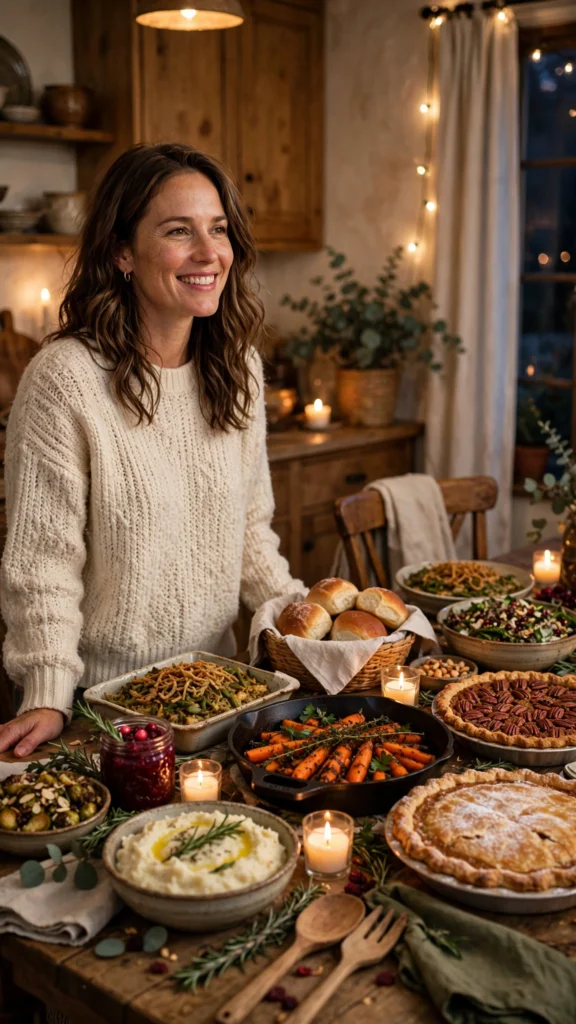
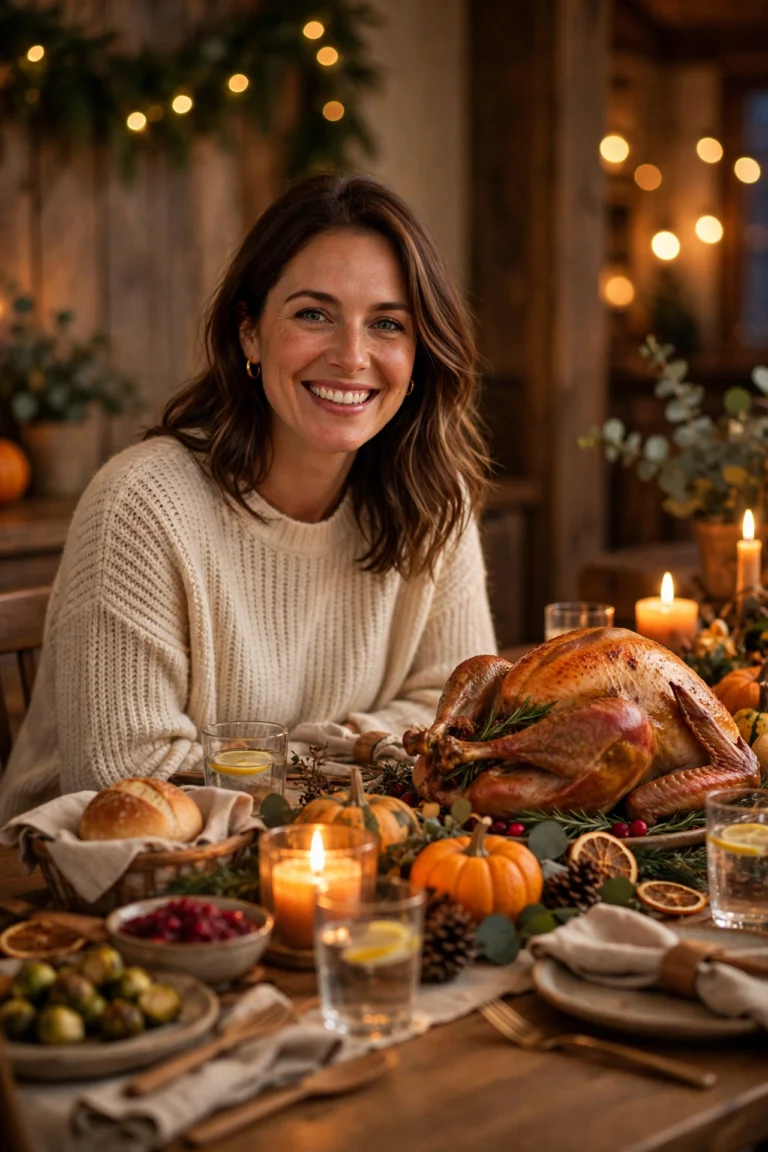
1. Potluck Table Portrait
The classic Friendsgiving photo: you at a table loaded with dishes your friends brought, warm light, and a relaxed smile. This is the one I would start with, because the table tells the whole story — everyone cooked something, everyone is together — without needing a caption.
AI Prompt:
Edit my uploaded photo into a realistic Friendsgiving potluck table portrait. Preserve my actual face, facial features, natural skin tone, and identity exactly. Place me seated at a cozy wooden table covered with homemade potluck dishes, a pie, and simple autumn decorations, dressed in a warm casual sweater, smiling naturally at the camera with soft golden evening light. Use warm indoor light, realistic food and fabric texture, natural skin texture, and a vertical 9:16 composition. Make it look like a candid home photograph, not an illustration. No text, no logo, no watermark.
Best for: Friendsgiving DP, potluck posts, and warm holiday profile pictures.
Customize it: Keep the table dishes in the background so your face stays the focus; too many dishes up front can crowd the photo.
2. Friends Toast Portrait
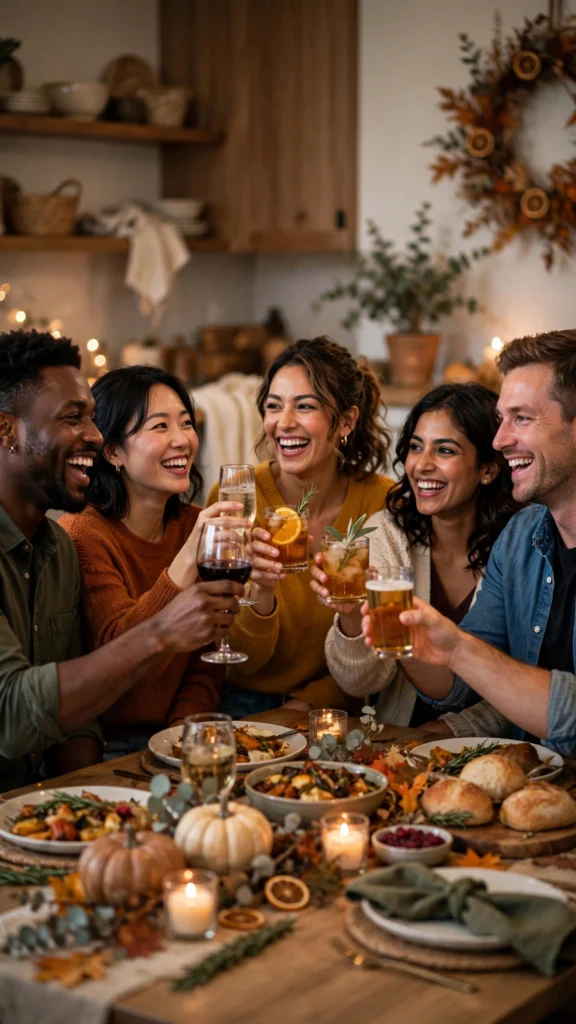
A joyful group photo of friends raising their glasses together in a toast, with warm light and genuine smiles. I like this one for the group chat DP, because it is the photo that actually looks like the evening felt.
AI Prompt:
Edit our uploaded group photo into a realistic Friendsgiving friends toast portrait. Preserve every face, facial feature, natural skin tone, and identity exactly, without merging faces. Place everyone together around a table raising their glasses in a cheerful toast, with warm lamps, a potluck spread, and simple autumn decorations in the background, everyone smiling and laughing naturally. Use warm indoor light, realistic skin texture, natural poses, and a vertical 9:16 composition. No text, no logo, no watermark.
Best for: Friends posts, group DPs, and celebratory holiday photos.
Customize it: Use a group photo where every face is clearly visible; the AI needs each face to keep them distinct.
3. Cozy Sweater Portrait
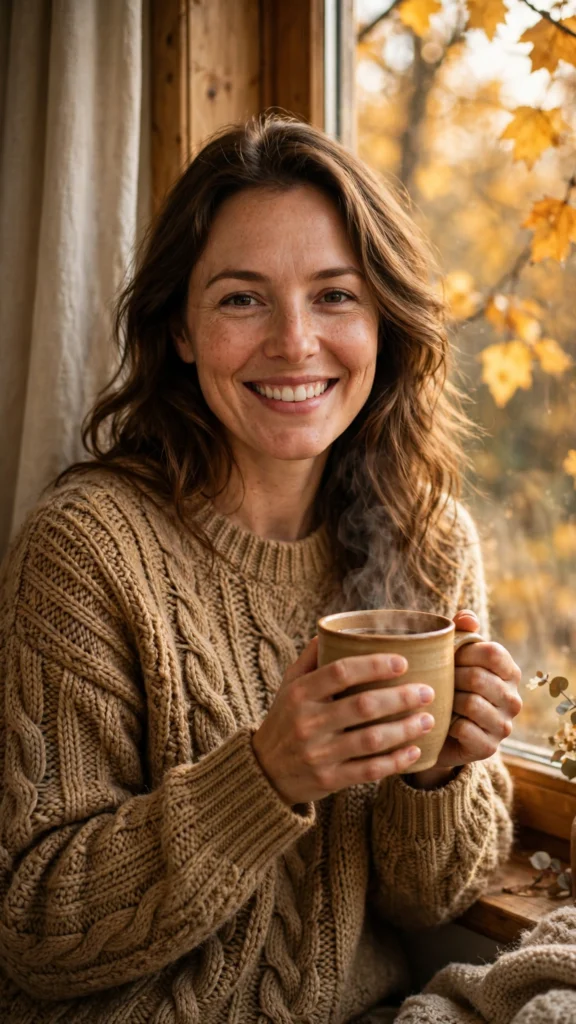
A soft, cozy solo portrait in a warm knit sweater, perfect for a profile picture or a quiet autumn post. This is my pick when I do not want a busy background — just me, a mug, and warm light.
AI Prompt:
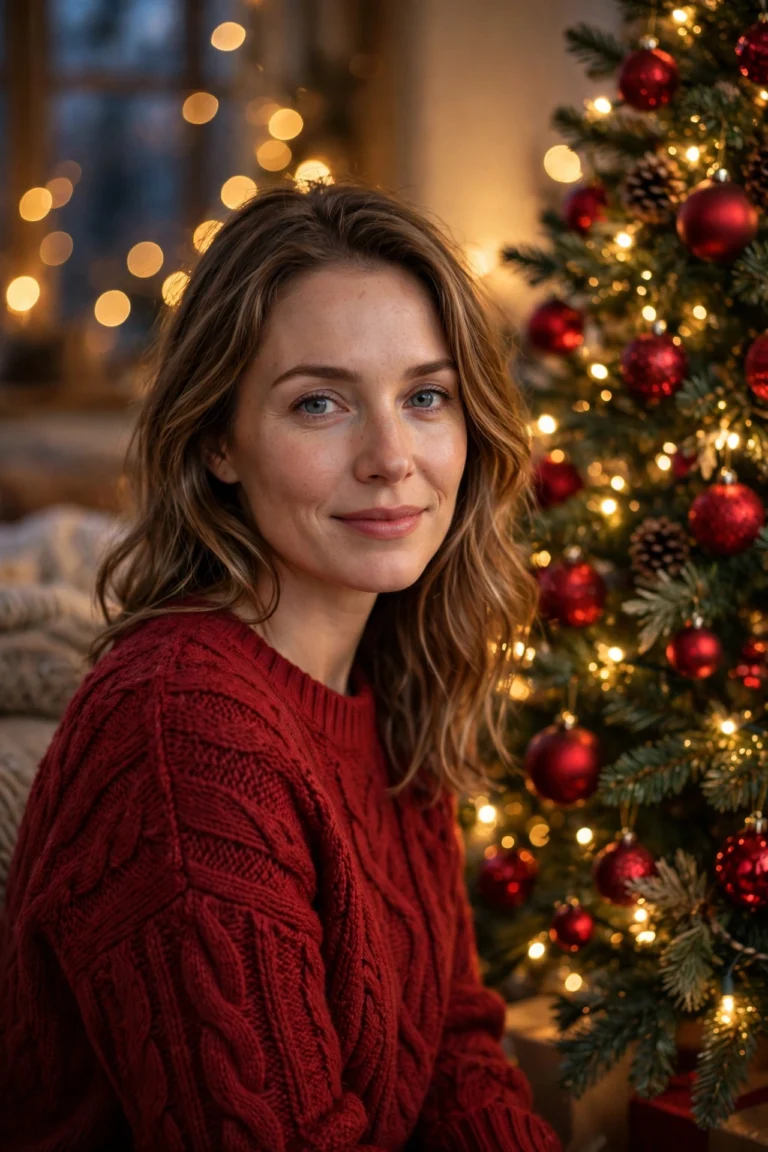
Edit my uploaded photo into a realistic cozy Friendsgiving sweater portrait. Preserve my actual face, facial features, skin tone, and identity exactly. Dress me in a soft, chunky knit sweater in a warm autumn color, and place me indoors in a cozy living room with soft golden light, a mug in my hands, and simple autumn leaves and warm lamps in the background. Use soft warm indoor light, realistic knit fabric texture, natural skin texture, and a vertical 9:16 composition. Make it look like a candid home photograph. No text, no logo, no watermark.
Best for: Cozy DPs, autumn profile pictures, and soft seasonal posts.
Customize it: Pick a sweater color that suits you in real life — warm rust, cream, or mustard all photograph well against autumn light.
4. Pumpkin Pie Kitchen Portrait
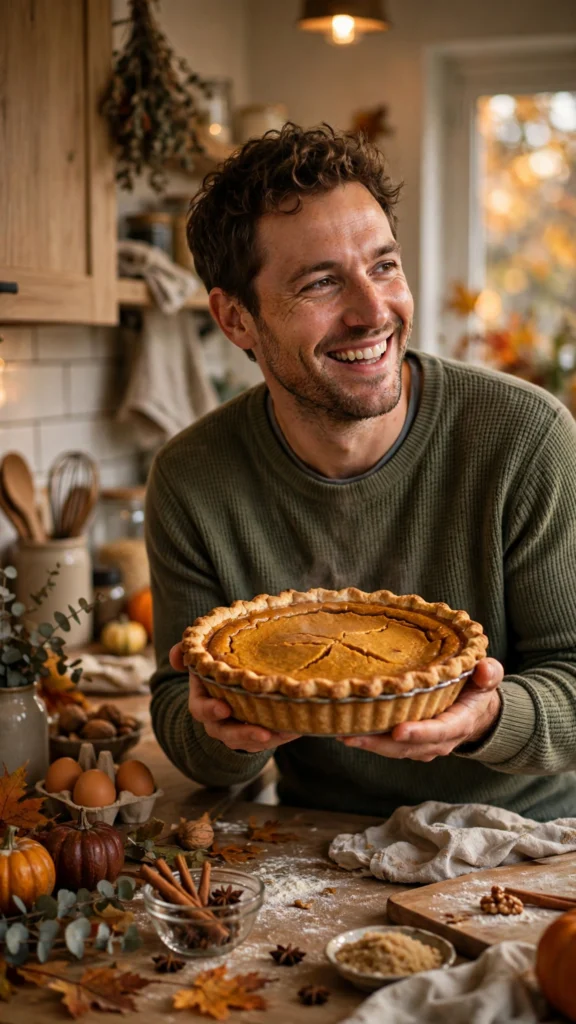
A warm, homey photo of you in the kitchen with a freshly baked pumpkin pie and soft evening light. Pumpkin pie is the traditional Friendsgiving dish in the US, and I have kept it in the prompt as written — but if you are making this photo for friends in India, a cake or a plate of homemade snacks from your own kitchen works just as well in the picture itself.
AI Prompt:
Edit my uploaded photo into a realistic Friendsgiving pumpkin pie kitchen portrait. Preserve my actual face, facial features, skin tone, and identity exactly. Place me in a cozy home kitchen holding a freshly baked pumpkin pie, dressed in a comfortable casual outfit with an apron, smiling warmly, with warm kitchen light and a simple uncluttered background. Use warm indoor light, realistic food and fabric texture, natural skin texture, and a vertical 9:16 composition. Make it look like a candid home photograph. No text, no logo, no watermark.
Best for: Food posts, cozy kitchen photos, and warm Friendsgiving portraits.
Customize it: Food is hard for AI tools to render perfectly; check the pie closely before posting, and regenerate if anything looks unnatural.
5. Golden-Hour Backyard Portrait
A golden, relaxed photo of you outdoors in the backyard as the late-afternoon sun turns everything warm and amber. In India I think of this one as the terrace or balcony version — the same golden light, just on a rooftop or in a small garden instead of a big American backyard.
AI Prompt:
Edit my uploaded photo into a realistic Friendsgiving golden-hour backyard portrait. Preserve my actual face, facial features, skin tone, and identity exactly. Place me outdoors in a backyard during golden hour, dressed in a cozy autumn outfit with a light jacket, with warm golden sunlight glowing softly on my face, fallen leaves, and string lights glowing gently in the background. Use warm golden-hour sunlight, realistic fabric and leaf texture, natural skin texture, and a vertical 9:16 composition. Make it look like a candid outdoor photograph. No text, no logo, no watermark.
Best for: Outdoor posts, golden-hour DPs, and relaxed autumn photos.
Customize it: Golden-hour light is forgiving, but a face in deep shadow can look dull; start with a photo where your face is well lit.
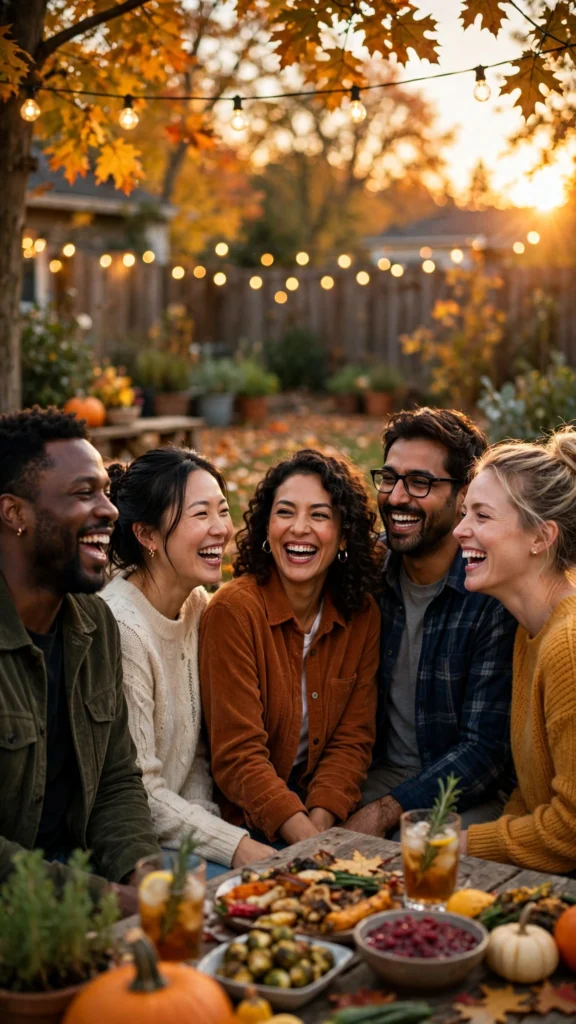
6. Friendsgiving Game Night Portrait
A fun, playful group photo of friends gathered around a table game after dinner, with snacks and laughter. This is the one that feels most like my own friend get-togethers in India — dinner first, then cards or a board game, and nobody wants the evening to end.
AI Prompt:
Edit our uploaded group photo into a realistic Friendsgiving game night portrait. Preserve every face, facial feature, natural skin tone, and identity exactly, without merging faces. Place everyone together in a cozy living room around a table game after dinner, with a bowl of snacks, warm lamps, and simple autumn decorations nearby, all laughing and enjoying the game naturally. Use warm indoor light, realistic skin texture, natural poses, and a vertical 9:16 composition. No text, no logo, no watermark.
Best for: Friends posts, fun group photos, and casual evening portraits.
Customize it: Keep the game and snacks simple and in the background so the friends, not the table, stay the focus of the photo.
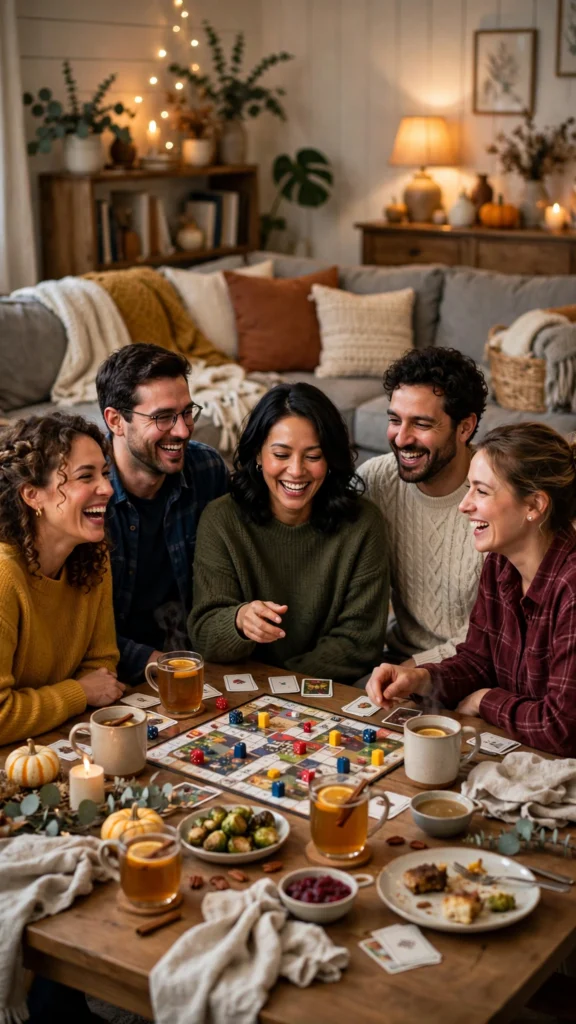
7. Thankful Group Portrait
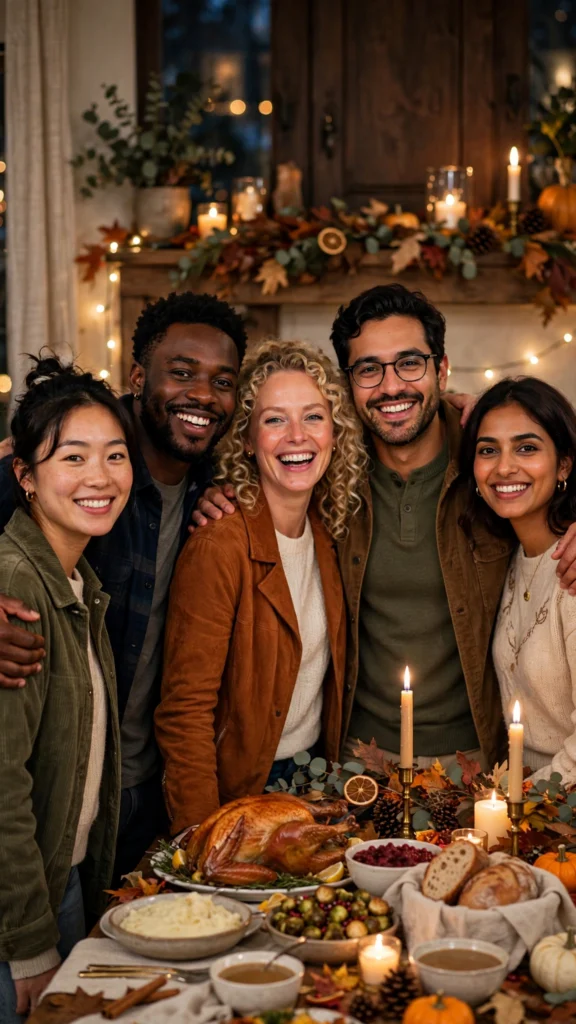
A warm group photo of the whole friend circle together, the kind of photo that feels like the heart of Friendsgiving. I save this one for last, because it works best as the photo that sums up the whole evening — everyone close together, nobody left out.
AI Prompt:
Edit our uploaded group photo into a realistic thankful Friendsgiving group portrait. Preserve every face, facial feature, natural skin tone, and identity exactly, without merging faces. Place everyone together in a warm, cozy room with soft golden light, a potluck table and simple autumn decorations in the background, all standing close together, smiling warmly at the camera. Use warm indoor light, realistic skin texture, natural poses, and a vertical 9:16 composition. No text, no logo, no watermark.
Best for: Group posts, thank-you messages to friends, and warm gathering photos.
Customize it: Use a group photo where no one is hidden behind someone else; the AI needs every face clearly visible to keep them distinct.
How to Use These Friendsgiving Prompts in Gemini or ChatGPT
- Choose a clear photo. A front-facing, well-lit photo works best. Avoid blurry photos or photos where your face is covered. Use the original from your gallery, not a WhatsApp-forwarded copy.
- Open Gemini or ChatGPT and start a new image chat.
- Upload your photo first, then paste the full prompt in the same message.
- Keep one prompt at a time. Do not mix a potluck look, a toast look, and a game night look in one prompt.
- Generate, then refine. If the face looks slightly off, do not rewrite everything. Add one correction line, for example: “Keep my face exactly the same as the uploaded photo and make the lighting softer.”
If Your Friendsgiving Photo Looks Wrong, Fix It Like This
| Problem | Add this line |
|---|---|
| Face looks different | Keep my face, facial structure, and skin tone exactly the same as the uploaded photo. |
| Photo looks too artificial | Use realistic skin texture, natural shadows, and soft light. Avoid plastic skin and over-smoothing. |
| Hands or glasses look wrong | Use natural hand positions with correct fingers and realistic proportions. |
| Background is too busy | Keep the background softly blurred and keep the focus on the people. |
| Food looks unnatural | Keep the food simple and in the background, with realistic texture. |
Tips for Natural-Looking Friendsgiving Photos
- Use one clear photo. A front-facing photo with even light works better than a side profile or a group crop.
- Let the warm light do the work. Warm golden light is the star of a Friendsgiving photo; a simple, uncluttered background makes the glow stand out.
- Keep the potluck simple. AI tools do not always render food perfectly, so check every dish in the result before posting, and keep the food in the background when your face is the focus.
- Check the hands and glasses. AI tools sometimes struggle with hands holding glasses or plates; if either looks odd, regenerate the image.
- Stay honest in captions. These are AI-edited photos. If you share one as a real memory, say so, so friends are not misled.
- Test on WhatsApp first. A photo that looks good in the AI app can look dark as a WhatsApp DP. If it does, ask for slightly brighter warm light before posting.
FAQs
Is Friendsgiving celebrated in India?
No, not as a festival. Friendsgiving is a US-observed informal gathering, and there is no Indian holiday by that name. In India, people use the idea for a friends’ potluck, a house party, or a get-together — everyone brings a dish, and the photos are the relaxed, warm kind these prompts make. That is how I have written this article: the idea is borrowed, the setting is yours.
When is Friendsgiving in 2026?
Friendsgiving is usually held the weekend before Thanksgiving. In 2026, Thanksgiving is Thursday, November 26, so Friendsgiving usually falls around Saturday, November 21 or Sunday, November 22. There is no official fixed date — friends pick the weekend that works for everyone.
How is Friendsgiving different from Thanksgiving?
Thanksgiving is the traditional family holiday, usually a formal dinner with relatives. Friendsgiving is the casual, friends-only version: a potluck where everyone brings a dish, the dress code is sweaters instead of formal wear, and the focus is on your chosen family of friends. The photos should feel just as relaxed.
Can I use these prompts for a normal house party or potluck in India?
Yes, that is exactly what they are best for here. You do not need a Thanksgiving dinner or pumpkin pie in real life. Use the prompts for a birthday get-together, a house party, a potluck lunch with college friends, or a weekend evening at home. The warm light, the shared food, and the group photos fit all of those.
Can I use these prompts in both Gemini and ChatGPT?
Yes. Both tools accept an uploaded photo plus a pasted text prompt. The wording is written to work in either app, though results vary slightly between tools, so try the same prompt in both if the first result is not right.
Will the AI keep my real face?
That is the goal of the “preserve my face” line in every prompt, and it usually works well with a clear starting photo. It is not perfect every time, so check the result closely before posting, especially around the eyes, smile, and hairline.
Which prompt is best for a group DP?
Prompt 2, the Friends Toast Portrait, or Prompt 7, the Thankful Group Portrait. Both are made for a whole friend circle. Upload a group photo where every face is clearly visible and nobody is hidden behind someone else.
Do these prompts cost money?
Gemini and ChatGPT both offer free tiers, but image generation limits and features change often. Check the app you use for its current free limits before you start; this article does not promise any free quota.
Can I use these photos for a shop or a business page?
These prompts are written for personal photos with your friends. For business or advertising use, check the terms of the AI tool you use, avoid brand logos, and do not imply an endorsement that is not real.
For Readers in India
Friendsgiving may come from the US, but the evening it describes is easy to recognise in India: friends at home, everyone bringing something to eat, a table that gets crowded, and photos taken after dinner when everyone is relaxed. That is the setting I had in mind while rewriting these prompts. They work the same way whether you are in Delhi, Mumbai, Lucknow, or a small town — upload your photo, paste the prompt, and use a home setting with warm lamps, fairy lights, and food your friends actually made.
If you are planning a potluck with friends, ask everyone to bring one dish — a homemade snack, a cake, or a simple home-cooked item — and take one clear group photo before everyone settles in. That one photo is the best starting point for Prompts 2, 6, and 7. And if you are posting for friends on WhatsApp, a simple caption like “our own Friendsgiving, at home with friends” says more than changing the prompt itself. For a solo DP, use Prompt 1 or Prompt 3; for the photo that sums up the whole evening, use Prompt 7.
Originality and Privacy Note
These prompts were written originally for this site. They are not copied from another prompt site, and they do not copy any celebrity’s face or a movie scene. Results vary by tool and by photo, and no prompt can guarantee a viral result. Upload only your own photo, or a photo you have permission to edit.
Final Thoughts
Friendsgiving photos work best when they stay casual: warm light, cozy sweaters, a table full of dishes your friends made, and the people you chose to spend the evening with. Pick the prompt that matches your moment — the potluck table portrait for a classic DP, the friends toast for a group celebration, the game night for something fun, or the thankful group portrait for the photo that sums up the whole evening — upload a clear photo, and paste the prompt in full. Check the food, the glasses, and your face before you post, and the result will feel like the gathering itself: relaxed, warm, and full of laughter.
Read more: Thanksgiving AI Photo Editing Prompts, Black Friday AI Photo Editing Prompts, Winter AI Photo Editing Prompts

One Comment